
Free on-site gate assessment - hinges, posts, and your LiftMaster or Nice gate operator checked before anything is quoted
The assessment is free and the quote is the invoice.
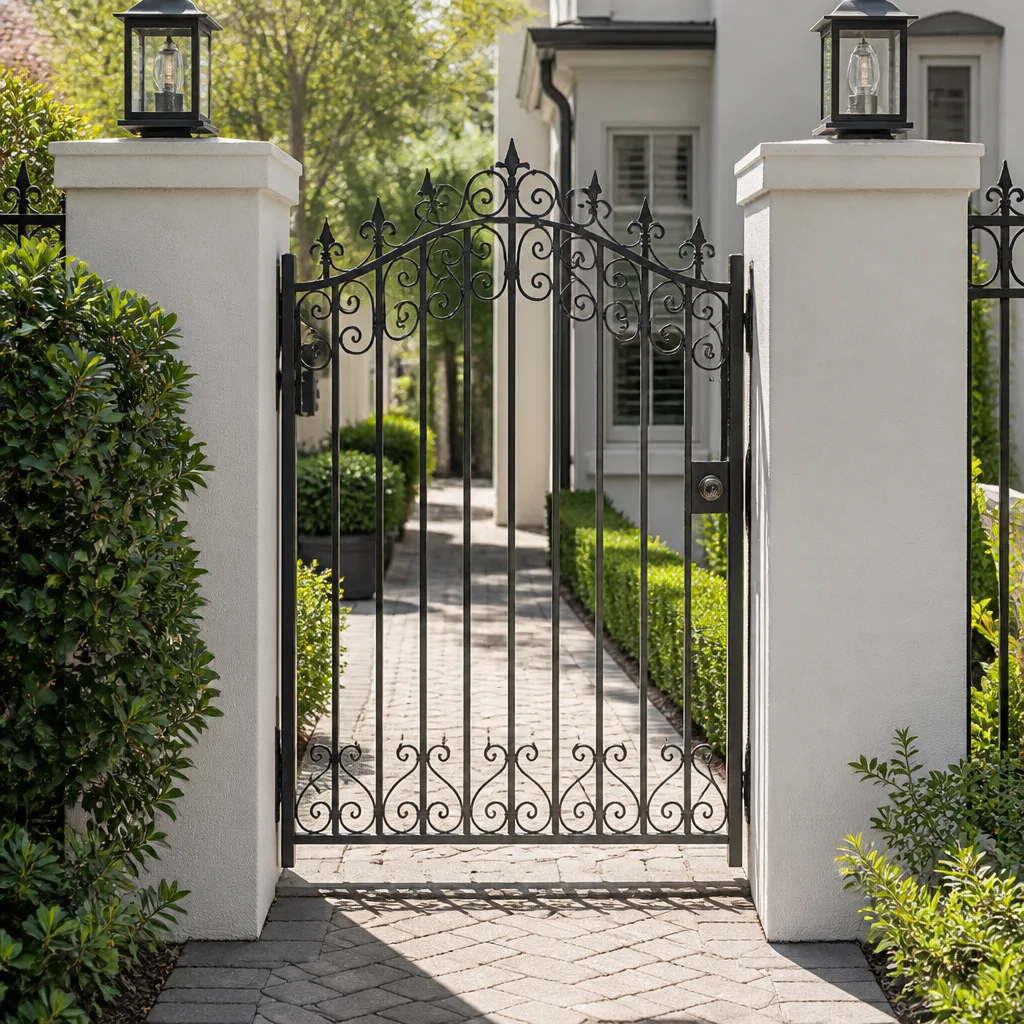
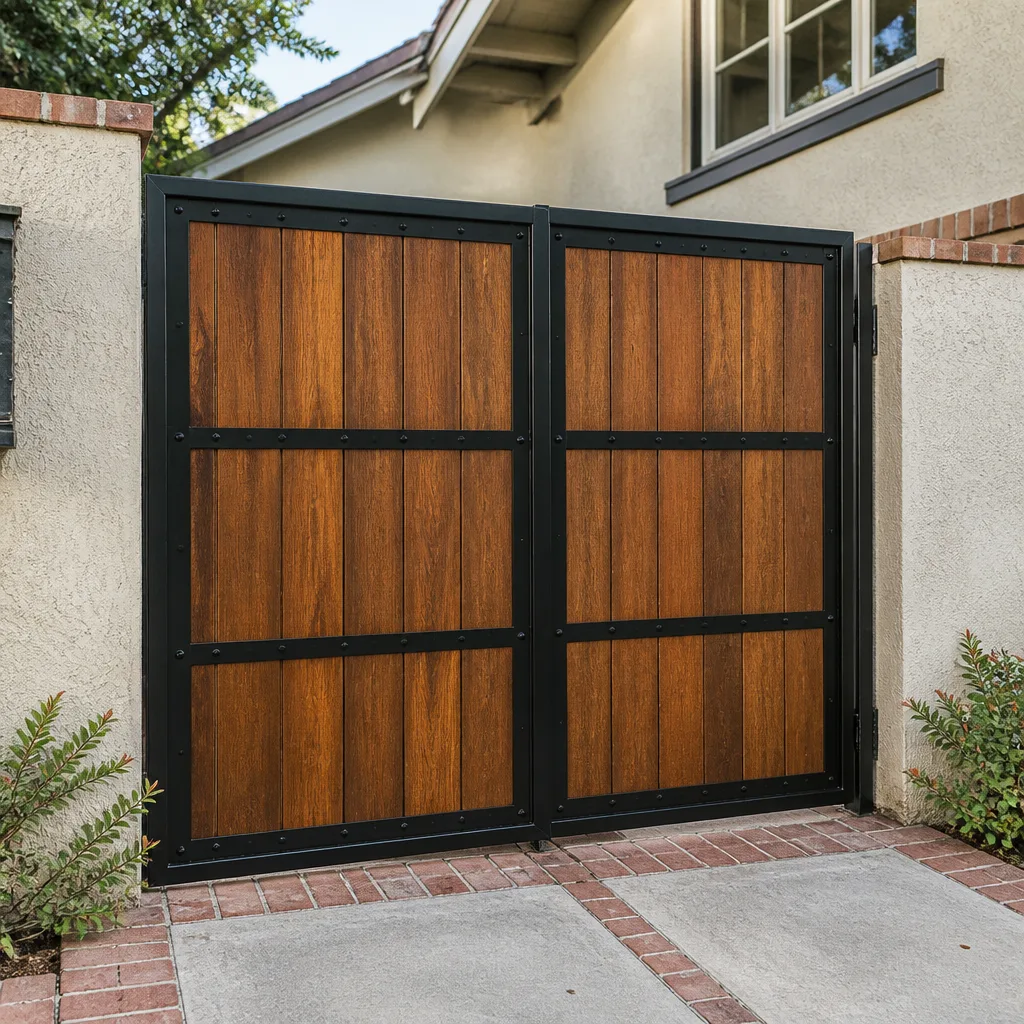
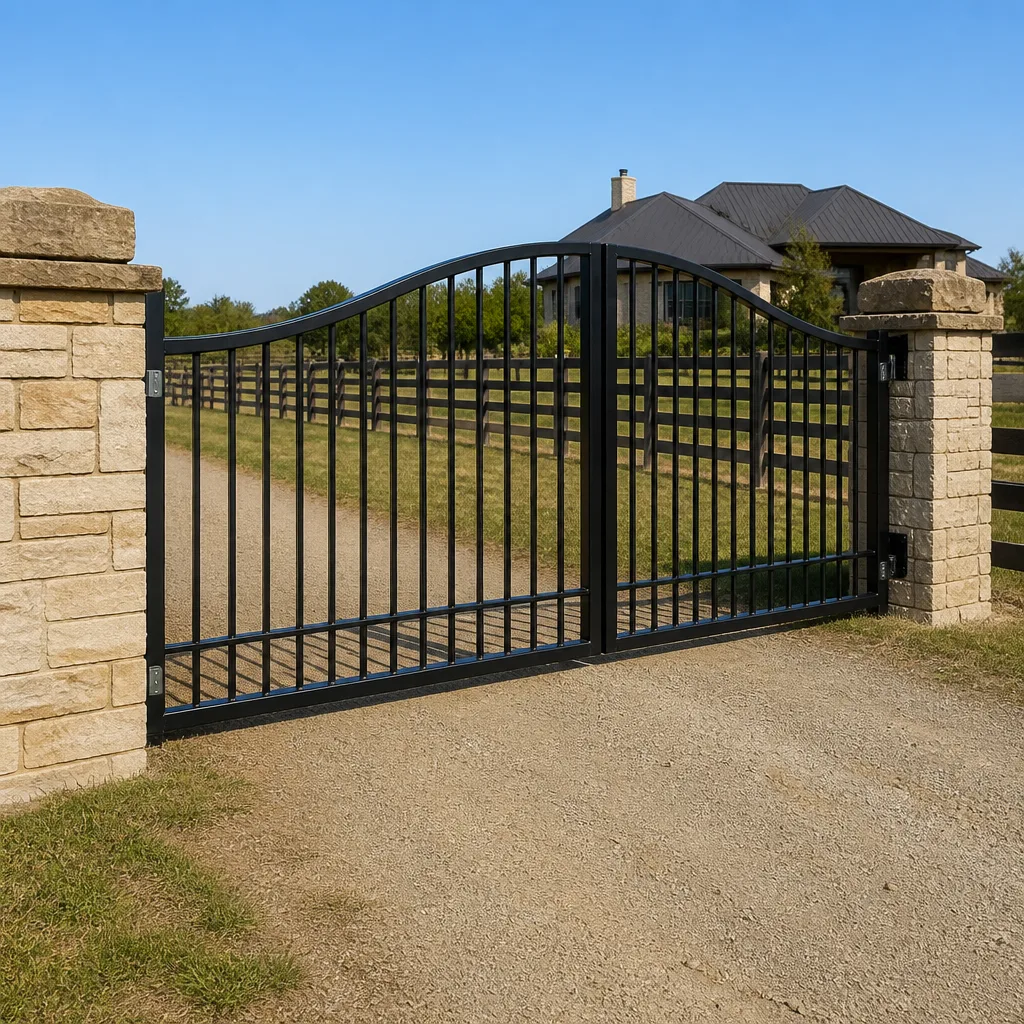
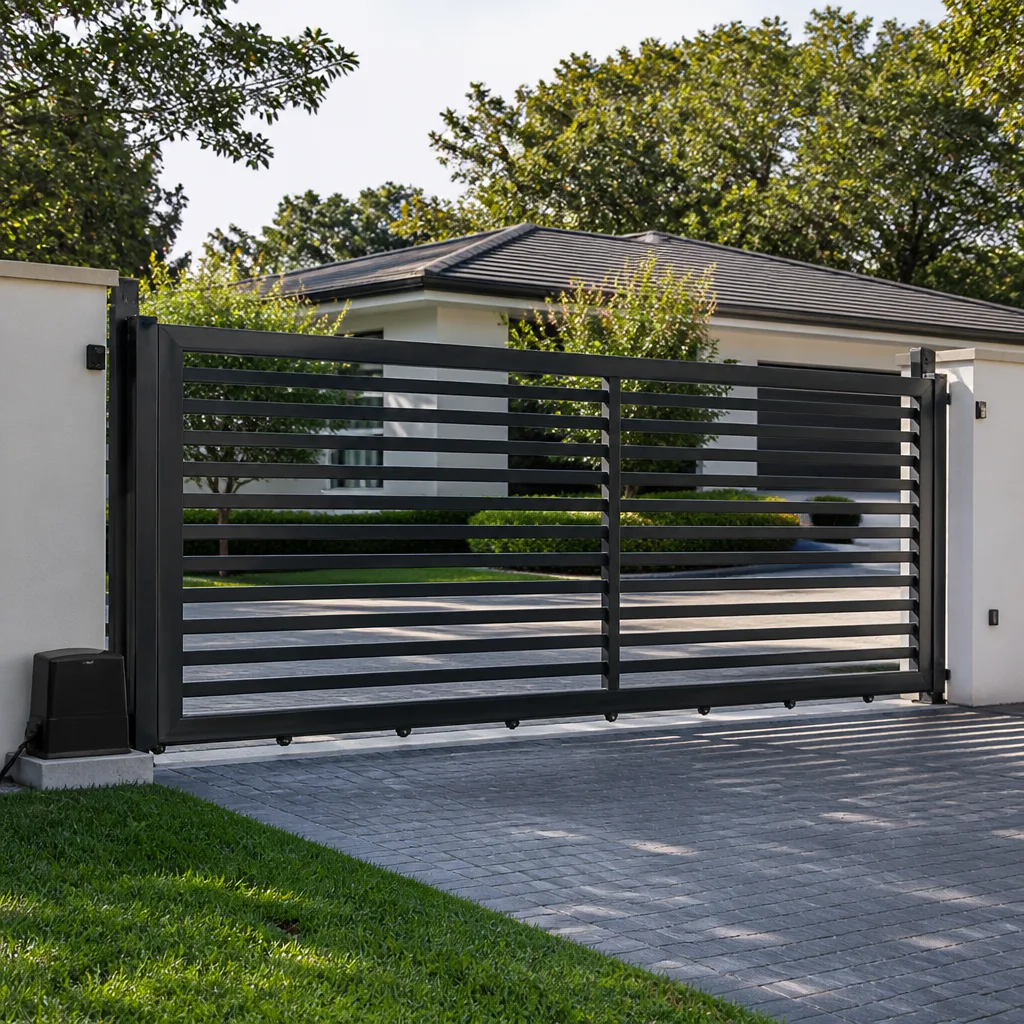
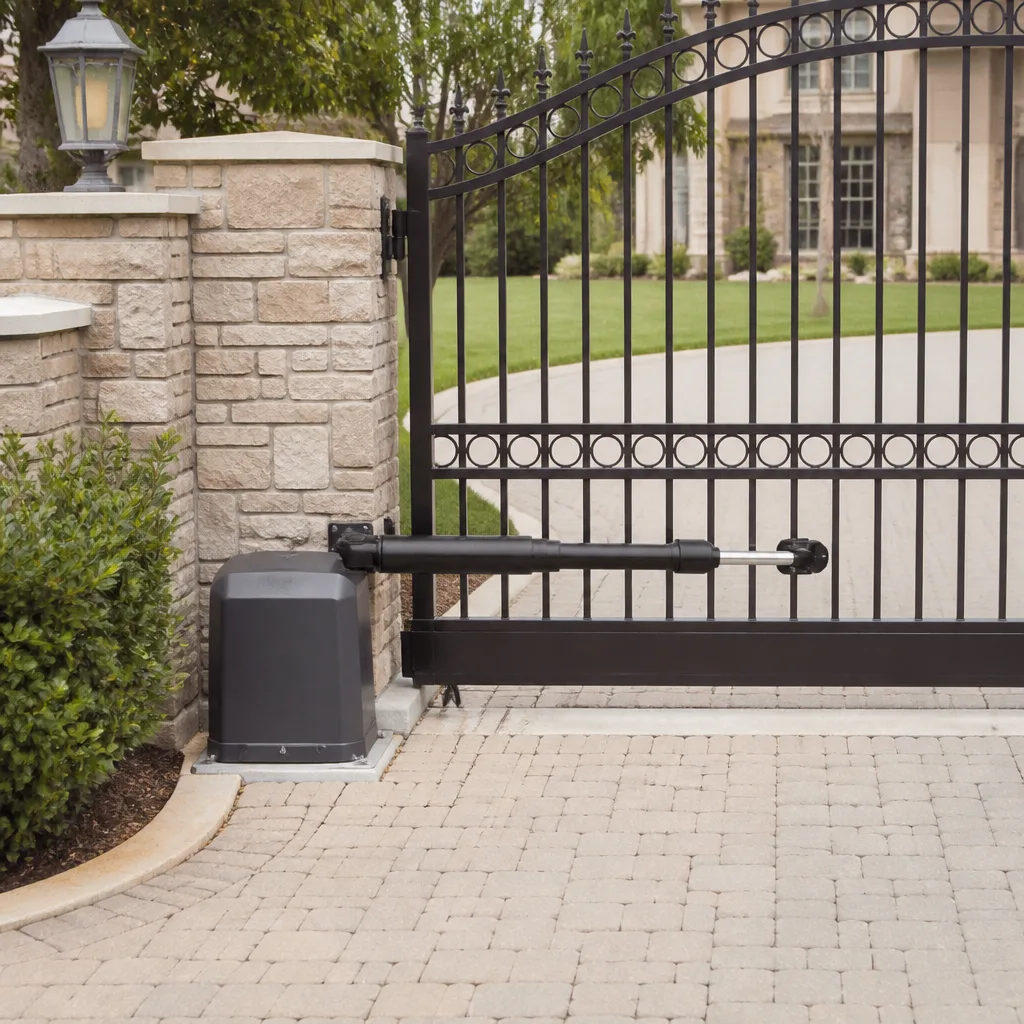
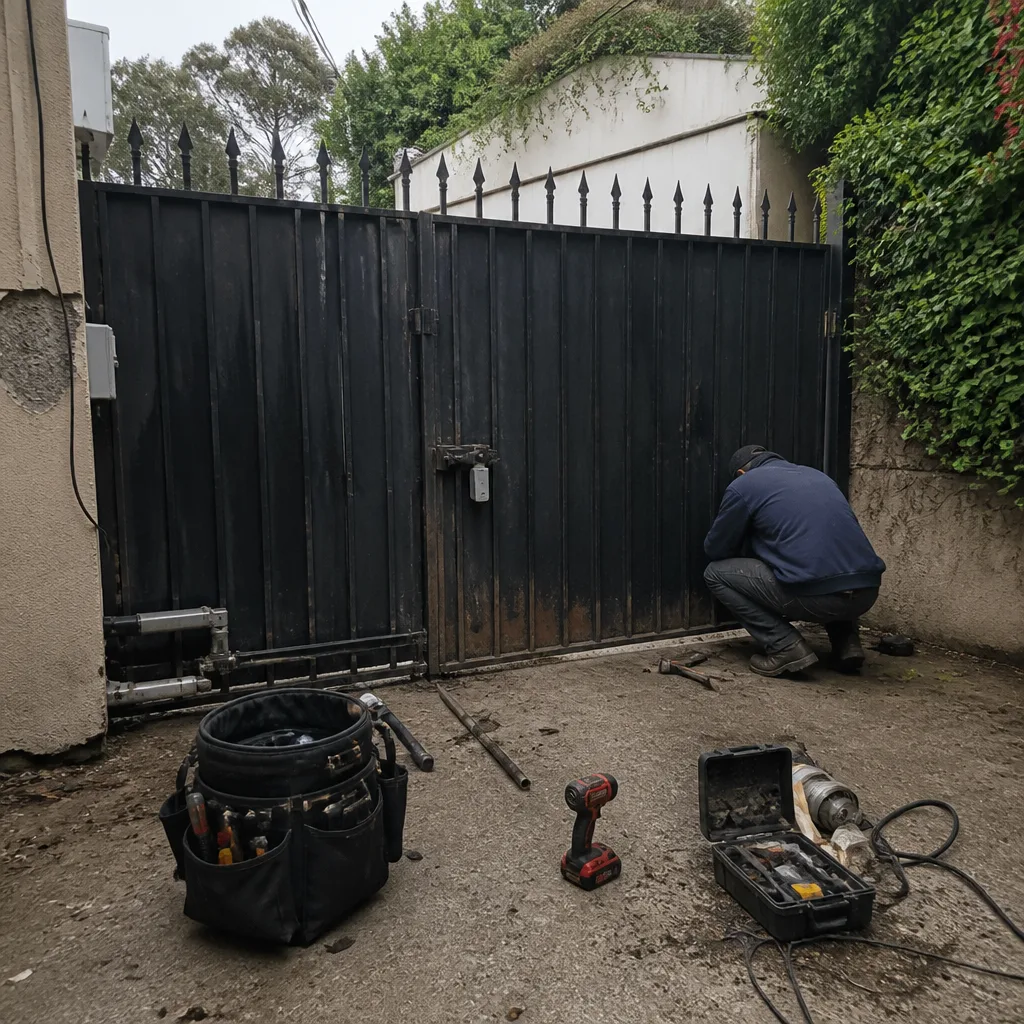 Before
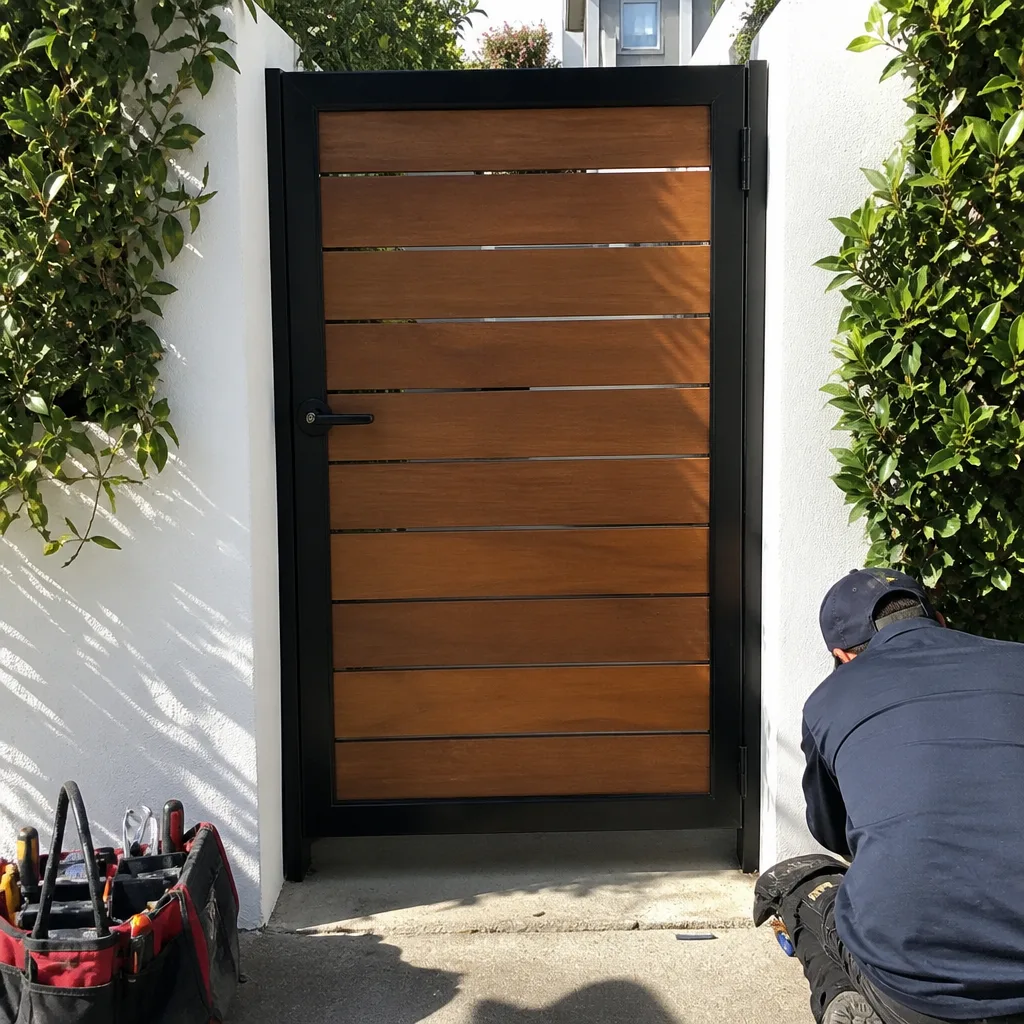 After
After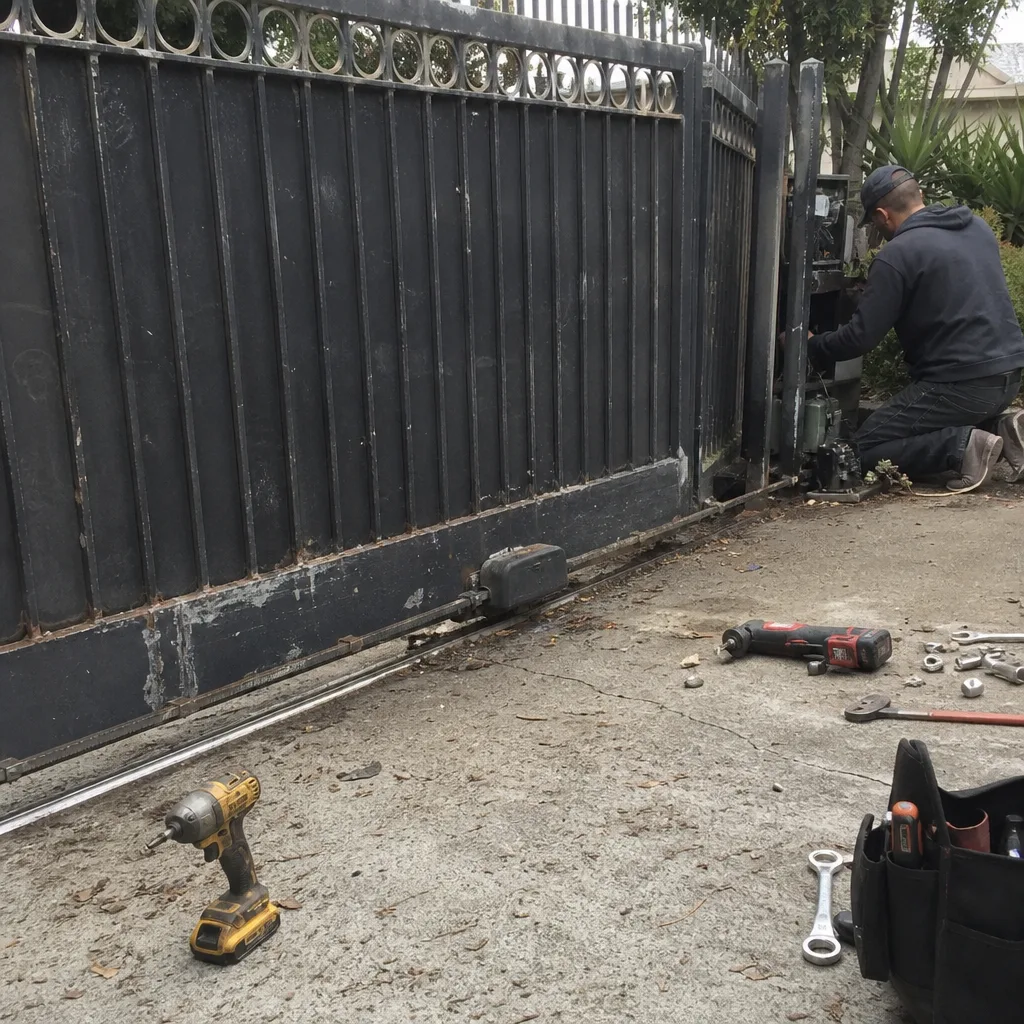 Before
 After
After Before
 After
AfterDoorKing Access Control Installation: The West Hollywood Owner’s Guide
DoorKing access control installation in West Hollywood typically runs $650 to $1,400 installed, depending on which component failed and whether we’re repairing the existing wiring or running new conduit. We stock DoorKing-compatible keypads, telephone entry systems, card readers, and control boards on our trucks, so most repairs happen the same day we arrive.
Most owners discover the problem the same way: the keypad beeps but the gate won’t move, or the phone entry system rings a dead line, or the card reader works for everyone except one car. The symptom looks simple. The cause is usually a failed access control component that’s been quietly degrading for months, often accelerated by West Hollywood’s sun exposure and the fine dust that works its way into outdoor electronics. We see it weekly across the flats, the hills, and the older estates near Sunset.
Our lead technician, Victor Salinas, grew up in the Eastside flats of West Hollywood watching his uncle weld ornamental iron on Melrose Avenue. Four decades later, he still approaches every DoorKing system the same way: find the failed part, match it correctly, install it so it lasts.
Which DoorKing Models This Applies To
DoorKing makes access control systems for residential and light commercial gates, and the compatibility rules are specific. The 1812 series (and its newer 1812-080/1812-081 variants) remains the workhorse telephone entry system across West Hollywood driveways. The 1503/1504 series covers standalone keypads. The 1830 series adds card reader capability. Each series uses its own control board, and this is where we see the most avoidable mistakes: a homeowner or handyman swaps in a board from a different series because the connector looks similar, and the system never communicates properly.
Here’s what matters for matching parts:
- Check the model plate first. DoorKing stamps the model and serial number on the inside of the housing or on the back of the keypad faceplate. Without that number, you’re guessing. With it, the match takes thirty seconds.
- 1812 vs 1830 control boards are not interchangeable. The 1830 adds card reader inputs and uses a different firmware. We’ve replaced several boards that were “working fine” until the wrong replacement locked out the original keypad codes.
- OEM vs quality aftermarket: For control boards and power supplies, we recommend OEM DoorKing parts or their authorized equivalents. These boards carry logic that aftermarket clones sometimes truncate, particularly around the relay timing that controls gate dwell. For keypads and weather seals, a quality aftermarket part performs identically and saves real money.
If you’re not sure which board your system uses, call us and read the model number off the plate. We’ll tell you what it needs before anyone rolls a truck.
Signs Your DoorKing Access Control Installation Is Failing
- The keypad accepts codes but the gate doesn’t move. This usually points to a failing control board relay or a break in the low-voltage wiring between the keypad and the gate operator. The keypad circuitry is fine; the signal dies after the beep.
- The telephone entry system rings but no one can hear you. DoorKing’s older 1812 models develop microphone and speaker failures after years of direct sun exposure on West Hollywood’s south-facing driveway walls. The wiring’s typically fine; the audio components fail.
- One card reader works, the other stopped. In dual-reader setups, a dead reader on one side of the gate while the other works usually means a fault in that reader’s wiring run, not the board itself. We test the run with a toner before recommending any part.
- The screen is dim or unreadable in daylight. DoorKing LCDs lose contrast over time, especially on systems installed without adequate shade. This is the most common call we get from the hillside drives above Sunset where afternoon sun hits the housing directly.
- Intermittent operation that comes and goes. Temperature-related failures are common in West Hollywood’s summer heat: a component works in the morning, fails by 2 p.m., recovers after dark. We see this most on power supplies and older boards with thermal stress.
Replacement Cost & What’s Included
DoorKing access control installation in West Hollywood:
| Service | Typical Range |
|---|---|
| DoorKing keypad replacement (1503/1504 series) | $650 - $850 |
| DoorKing control board replacement (1812/1830) | $750 - $1,100 |
| Full telephone entry system swap | $1,100 - $1,400 |
| Card reader retrofit (adds to existing system) | $400 - $650 |
These prices include the part, the labor to install it, and the programming to bring your existing codes and cards back online. The range comes from a few things: whether the existing wiring can be reused or needs to be replaced, whether the housing is salvageable or has been compromised by weather, and whether we’re matching an exact OEM board or a quality aftermarket equivalent.
Every quote is settled before we start work. You’ll know the price before a single bolt comes out, and that price doesn’t change when the job is done. The work itself is covered by our 90-Day Done Right Promise, in writing. If something isn’t right, we come back and make it right. No paperwork, no arguing.
DIY or Call Us?
There are two things you can safely check yourself before calling. First, confirm the keypad or entry system is getting power: look for a lit display or a beep when you press a key. Second, check the breaker labeled “gate” or “gate opener” in your panel. Beyond that, we’d rather you didn’t open the housing.
DoorKing access control components run on low voltage, so the shock risk is minimal. The real danger is in miswiring the board: a crossed connection from a new keypad can send voltage back into the control board and burn it out, turning a $700 repair into a $1,200 one. The other risk is programming. DoorKing boards require a specific sequence to re-enroll codes and set relay timing. Skip one step and the gate closes on a car or won’t close at all. If the gate’s giving you trouble, let’s take a look at it, no guessing, no upselling, just a straight answer. Call (442) 255-3886 and tell us what it’s doing.
FAQs
A DoorKing access control installation in West Hollywood typically lasts 10 to 15 years before components start failing, with keypads and audio components usually going first due to direct sun exposure and heat. Systems installed on shaded walls or with a protective hood regularly outlast systems mounted on south-facing stucco by several years.
Yes, in many cases we can repair the existing component, particularly when the problem is a failing power supply, corroded wiring terminals, or an audio component on a telephone entry system. When a control board has failed, repair is rarely cost-effective compared to replacement, and we’ll tell you that honestly before you spend anything. Call (442) 255-3886 with your model number for a straight answer.
Most DoorKing keypad and control board replacements in West Hollywood are completed in a single visit, typically 90 minutes to two hours including programming and testing. Full telephone entry system swaps with new wiring may take half a day when conduit needs to be run.
Yes, we stock DoorKing-compatible keypads, control boards, power supplies, and card readers on our service trucks for the most common series used across West Hollywood. We also stock parts for LiftMaster, Mighty Mule, and Ghost Controls gates, so whatever is on your driveway, the fix is available without a second visit.
If your DoorKing keypad, entry phone, or control board has failed, call (442) 255-3886 for a free estimate. A live person answers, we’ll get the model number from you, and we’ll quote the job before we arrive. Done right, and backed in writing.
Written by Victor Salinas, Owner & Gate Repair Specialist, Ironworks Gate Co. at Ironworks Gate Co., serving West Hollywood and nearby areas.